
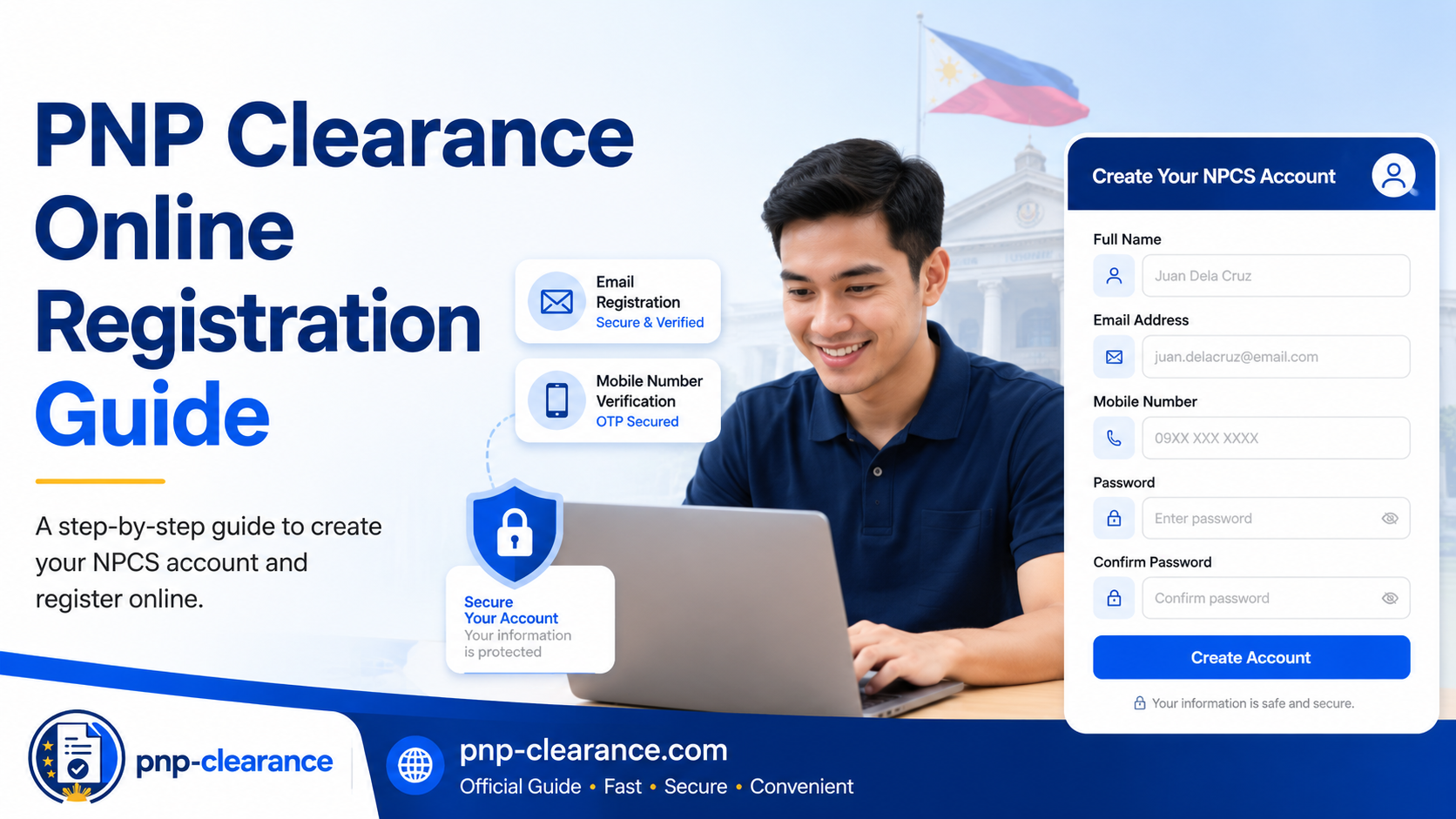
PNP Clearance Online Registration for First-Time Applicants 2026
If first time mong kukuha ng PNP Clearance Online, the first step is to create an account through the National Police Clearance System, also known as NPCS. The official NPCS portal is the online system used for police clearance-related transactions and provides options such as Register, Login, and clearance application tutorial access.
This guide focuses only on PNP Clearance online registration. Ibig sabihin, tutulungan ka nitong maintindihan kung paano gumawa ng account, anong details ang dapat ihanda, anong mistakes ang dapat iwasan, at ano ang next step after registration.
Important Disclaimer:
pnp-clearance.com is an independent information guide. We are not connected with, endorsed by, or operated by the Philippine National Police. For actual registration, appointment, payment, and official instructions, always use the official National Police Clearance System.
Quick Answer: How to Register for PNP Clearance Online
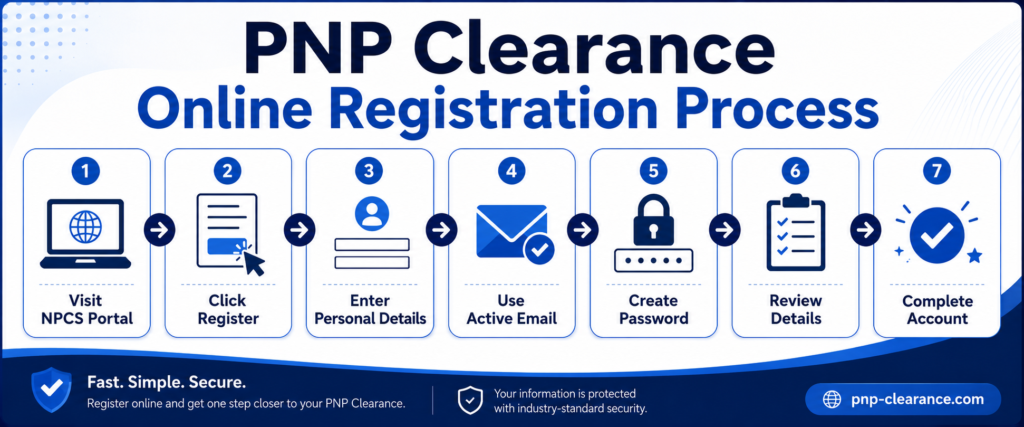
To register for PNP Clearance Online, go to the official National Police Clearance System, click Register if you are a new applicant, provide your personal information, use an active email address and mobile number, create a password, review your details, and complete your account setup before proceeding to your clearance application.
The official PNP application guide snippet states that applicants should visit the NPCS website and click Register for new applicants or log in if they already have an account.
What Is NPCS Account Registration?
NPCS account registration is the process of creating your online account in the National Police Clearance System. This account is used so you can access the online police clearance process, manage your application details, and continue to the next steps such as appointment scheduling.
In simple terms, ito ang “online account” mo para makapagsimula sa PNP Clearance application. Kung wala ka pang account, hindi ka pa makakapag-proceed nang maayos sa online application process.
Why Registration Is Important
Registration is important because your account connects your personal information to your future police clearance application. Kung mali ang details sa account mo, possible na magkaroon ng issue later during appointment, payment, or station verification.
Beginner Reminder
Do not rush registration. Mas okay na mabagal pero tama kaysa mabilis pero may maling spelling, wrong birthday, or wrong contact details.
Before You Register: Prepare These Details First
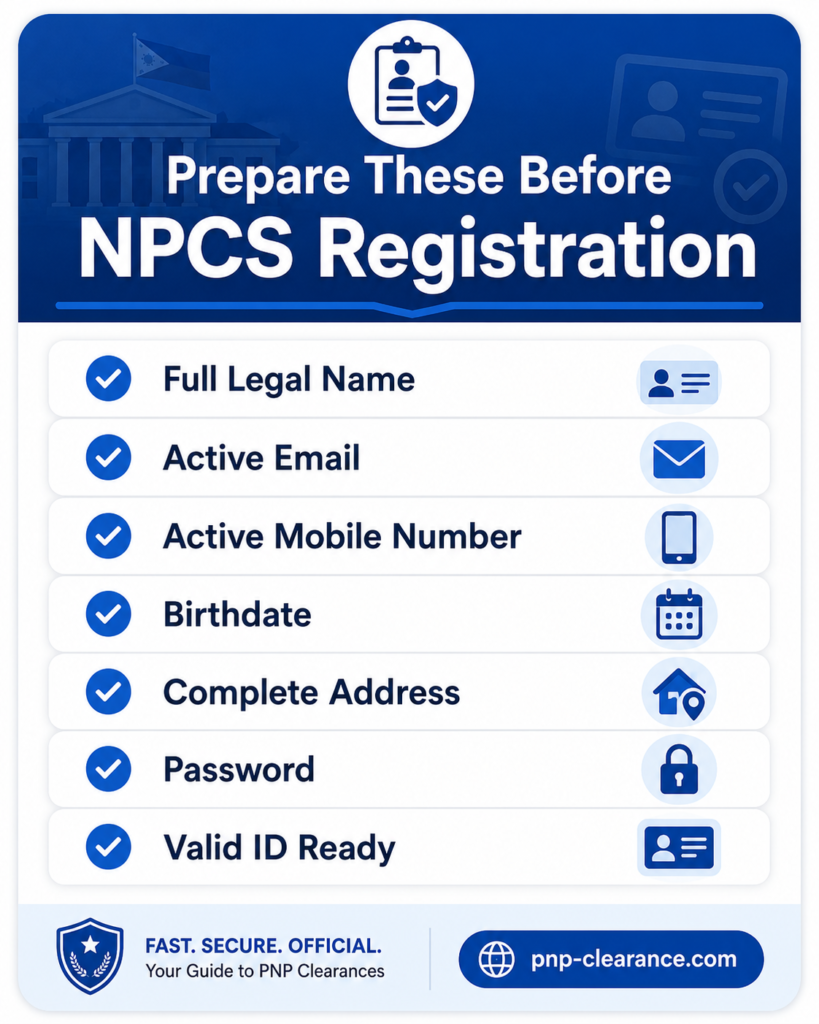
Before creating your NPCS account, prepare your basic information. This helps you avoid mistakes while filling out the form.
Basic Details You May Need
Prepare the following:
- Full legal name
- Active email address
- Active mobile number
- Password
- Birthdate
- Birthplace
- Gender
- Civil status
- Complete address
- Valid ID details, if requested later in the process
Step-by-Step Guide to PNP Clearance Online Registration
This section explains the registration process for first-time applicants.
Step 1: Go to the Official NPCS Portal
Start by visiting the official National Police Clearance System. The NPCS portal shows options such as Register and Login, plus official clearance-related features.
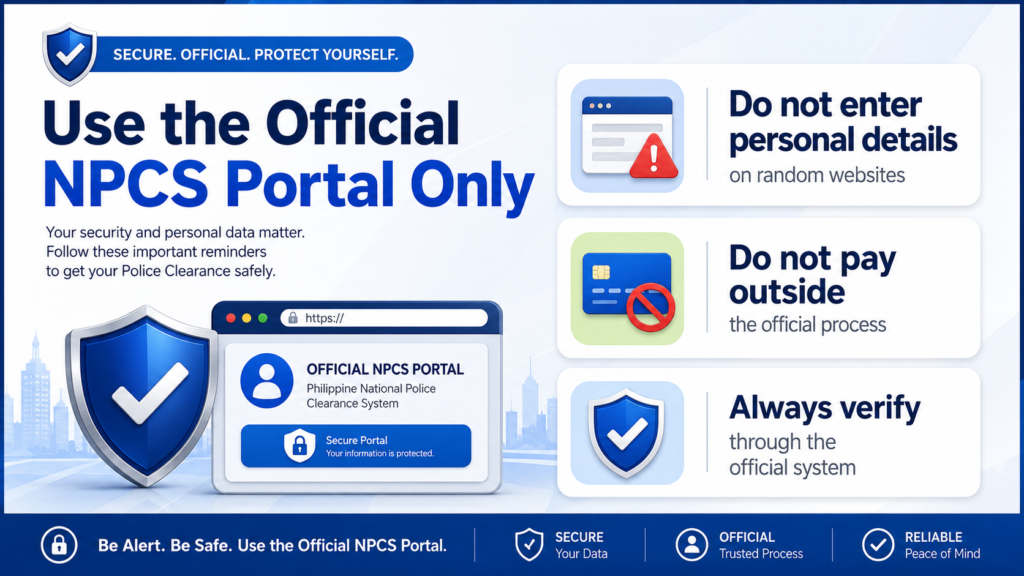
Be careful with random websites that ask for personal details. PNP Clearance registration involves sensitive information such as your name, birthday, email, mobile number, and address. For actual account creation, always use the official system.
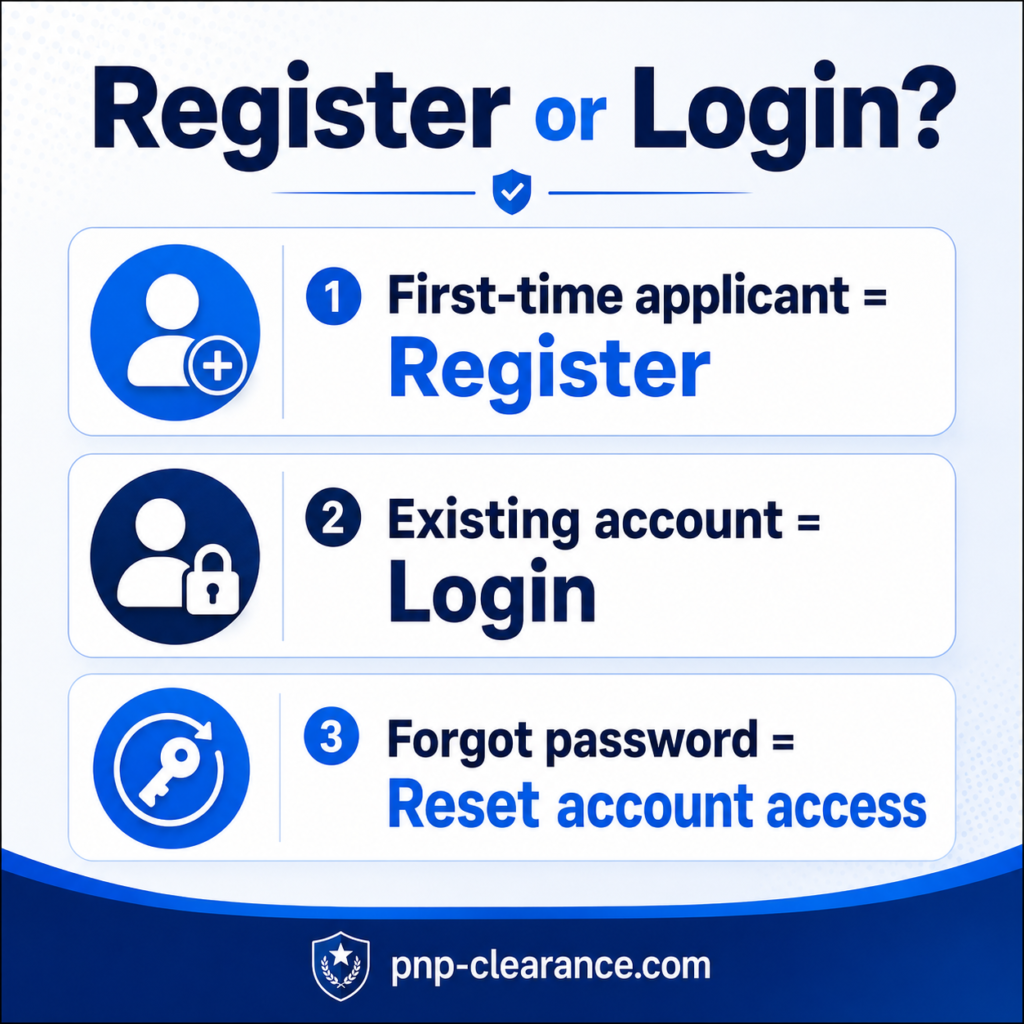
Step 2: Click Register for New Applicants
If you do not have an account yet, click Register. The official application guide snippet specifically mentions clicking Register for new applicants.
Do not click Login if you have never created an account before. Login is for users who already registered.
Register vs Login
Register means creating a new account.
Login means accessing an existing account.
Kung first time mo, Register muna. Kung nakagawa ka na dati, Login na dapat.
Step 3: Enter Your Full Legal Name
Use your full legal name as shown on your valid ID. Avoid using nicknames, shortcuts, or incomplete names.
Example:
Correct: Juan Santos Dela Cruz Jr.
Possible issue: Juan Dela Cruz
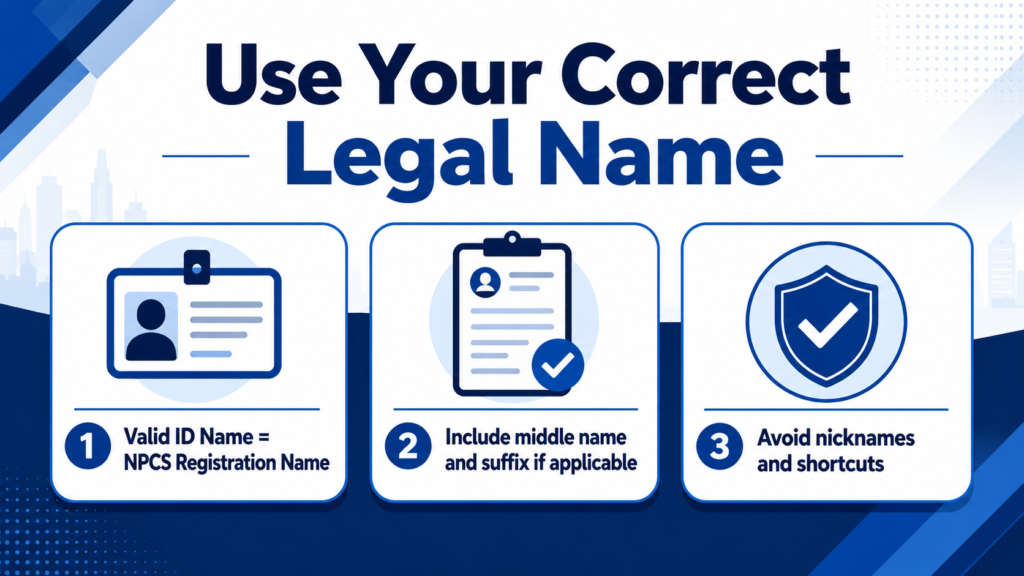
If your name has a suffix like Jr., Sr., II, III, or IV, make sure it is included correctly if the form asks for it.
Step 4: Use an Active Email Address
Use an email address that you can open anytime. This is important because your email may be needed for account access, notifications, or password recovery.
Do not use:
- Temporary email
- Email ng ibang tao
- Old email na hindi mo na ma-access
- Work email kung mawawala access mo after resignation
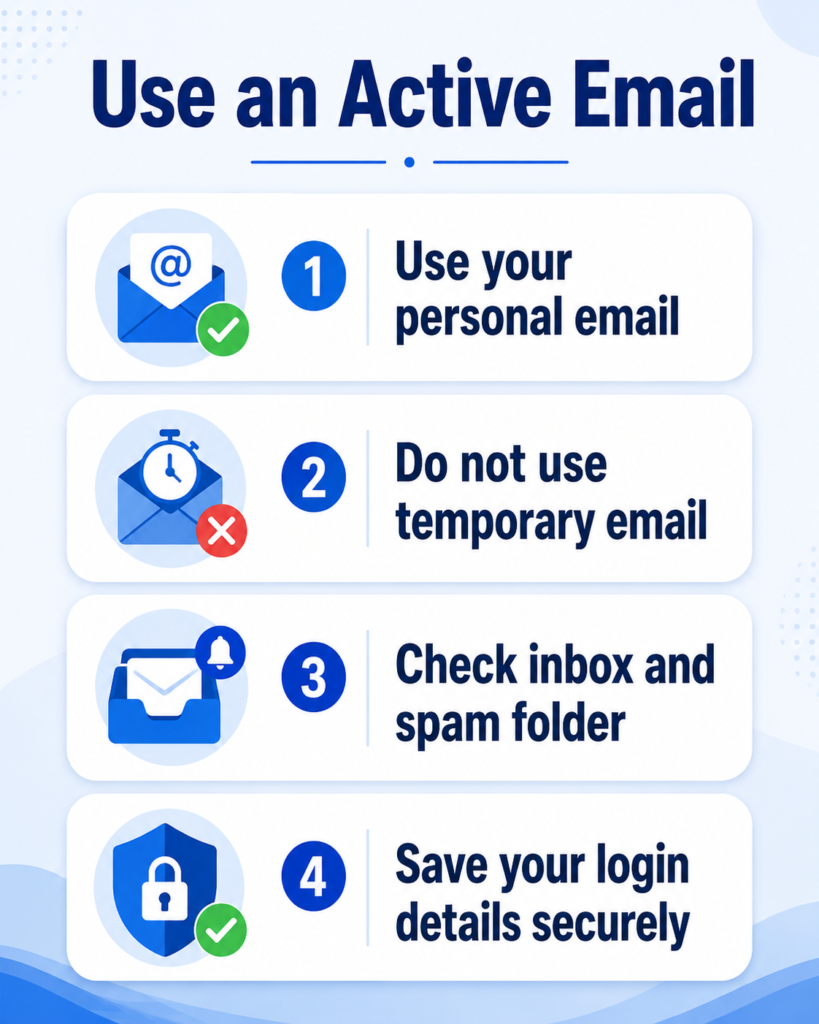
Use your personal email, preferably one you check regularly.
Step 5: Enter Your Active Mobile Number
Use an active mobile number that you can access. Your mobile number may be used for contact, verification, or future updates depending on system requirements.
Make sure the number is correct before submitting. One wrong digit can cause problems later.
Mobile Number Tip
Before clicking submit, read your mobile number slowly. Example:
Correct: 0917 123 4567
Wrong: 0917 123 4576
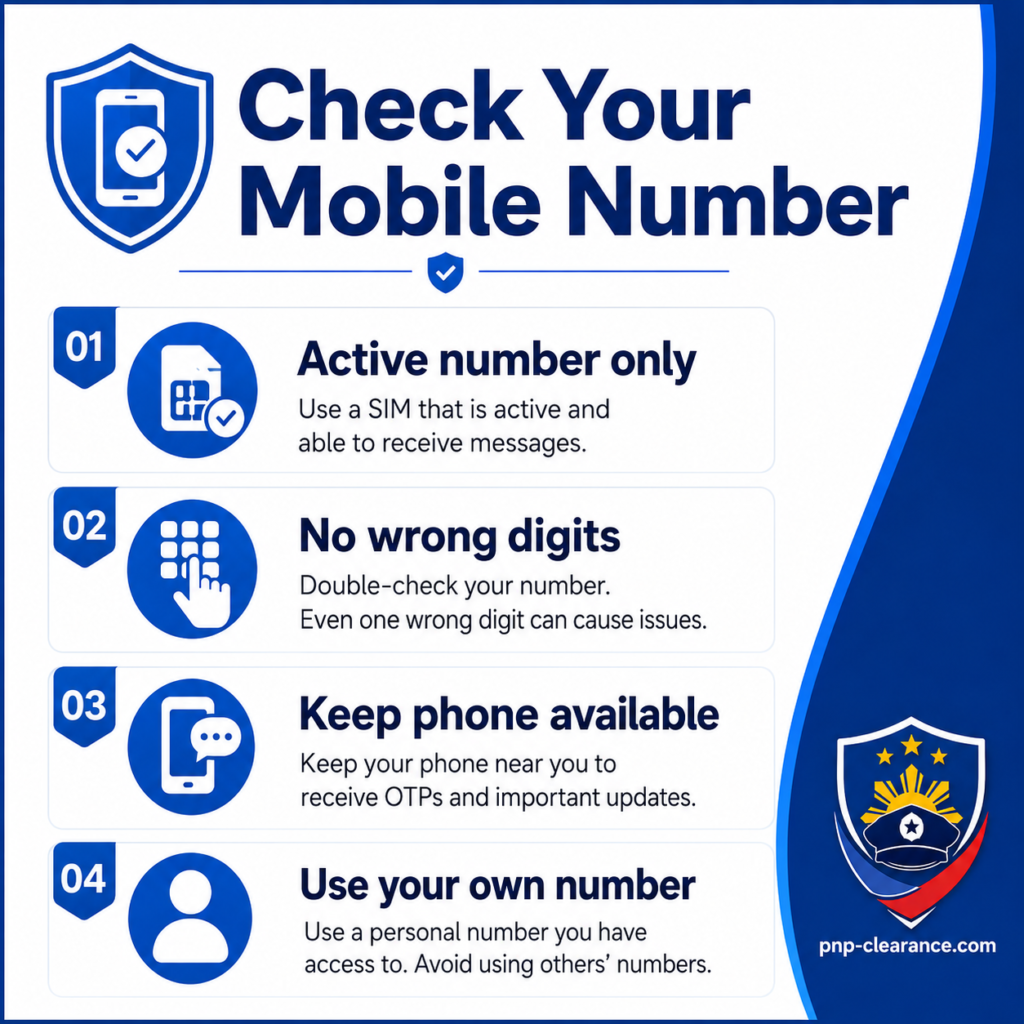
Small typo, malaking hassle later.
Step 6: Create a Secure Password
Create a password that is strong but easy for you to remember. Do not use passwords that are too simple.
Avoid passwords like:
123456passwordjuan123- Your birthday only
- Your mobile number only
A better password should include a mix of letters, numbers, and symbols.
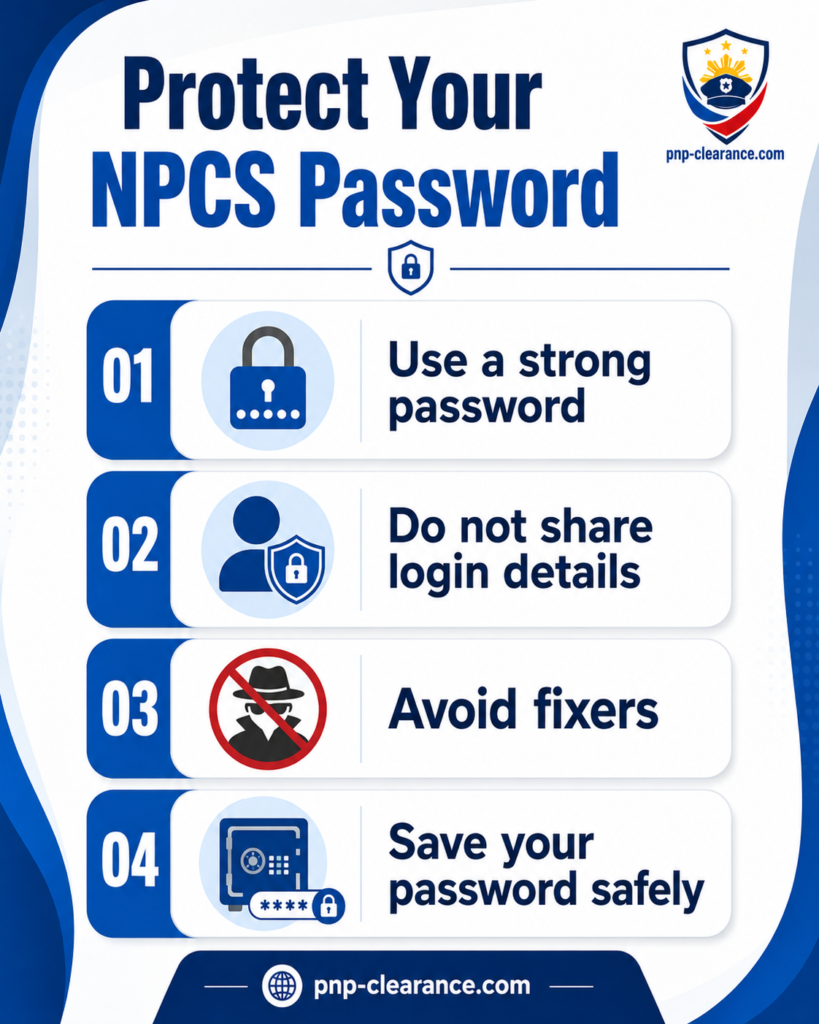
Password Safety Reminder
Never share your NPCS password with anyone. Do not send it through chat, email, or social media. Avoid fixers or unofficial agents asking for your login details.
Step 7: Review Your Details Before Submitting
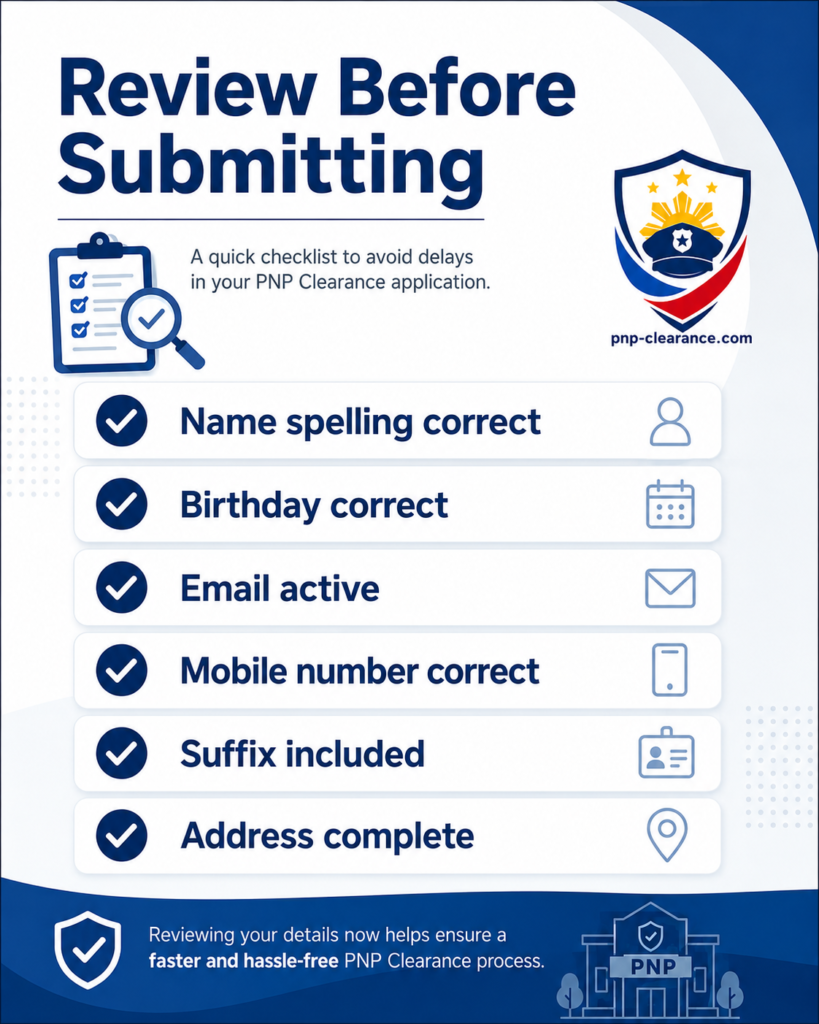
Before you complete registration, review all details carefully.
Check:
- Full name spelling
- Middle name
- Suffix
- Birthdate
- Email address
- Mobile number
- Address
- Password confirmation
Why Reviewing Matters
Wrong details can cause delays later. For example, if your valid ID shows Juan Santos Dela Cruz Jr. but your profile only says Juan Dela Cruz, the station may ask for clarification during identity verification.
Step 8: Complete Your Account Registration
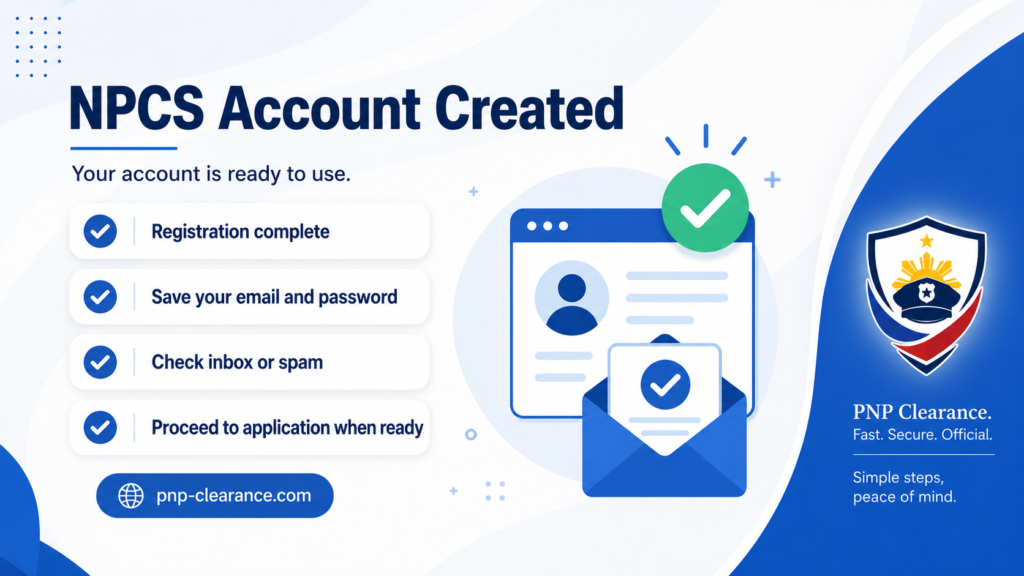
After reviewing your details, complete the account registration. Once your account is created, keep your login details safe.
If the system sends an email confirmation or notification, check your inbox. Also check your spam or junk folder if you do not see it right away.
After Registration: What Should You Do Next?
After creating your NPCS account, your next step is usually to complete your profile and proceed with your clearance application.
You may continue to:
- Complete your personal profile
- Choose purpose of clearance
- Select police station
- Set appointment date and time
- Pay the required fee
- Save reference number
- Visit police station for biometrics
For the full process from registration to release, read our PNP Clearance Online Complete Guide.
Common PNP Clearance Registration Mistakes
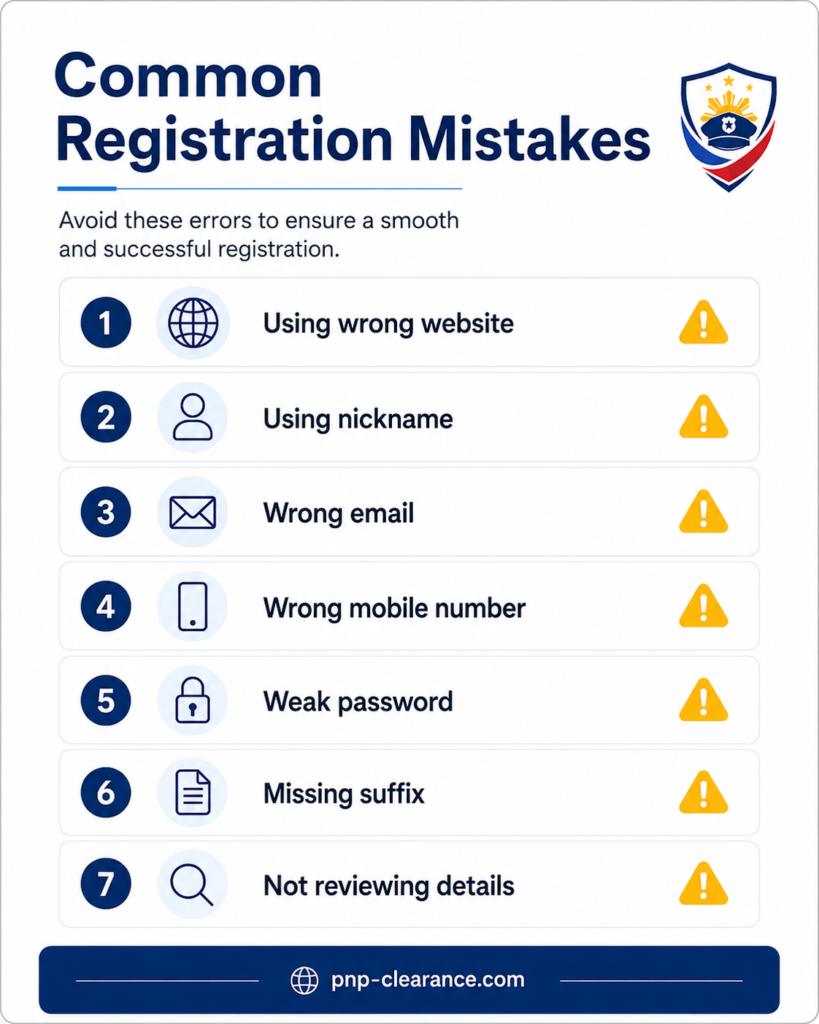
Many first-time applicants make small mistakes during registration. These mistakes can cause delays or confusion later.
Mistake 1: Using the Wrong Website
Use the official NPCS portal for actual registration. Do not enter your personal information on suspicious websites or social media pages.
Mistake 2: Using a Nickname
Your registration name should match your valid ID. Do not use nicknames like “Jun,” “Bong,” “Nene,” or “Boyet” unless that is actually your legal name.
Mistake 3: Wrong Email Address
If your email is wrong, you may have trouble accessing or recovering your account later.
Mistake 4: Wrong Mobile Number
Wrong mobile number can cause contact or verification issues. Always double-check.
Mistake 5: Weak Password
A weak password can put your account at risk. Use a secure password and do not share it.
Mistake 6: Missing Suffix
If your legal name has Jr., Sr., II, III, or IV, include it correctly if applicable.
Mistake 7: Not Reviewing Before Submitting
Many errors happen because applicants rush. Review everything first before clicking submit.
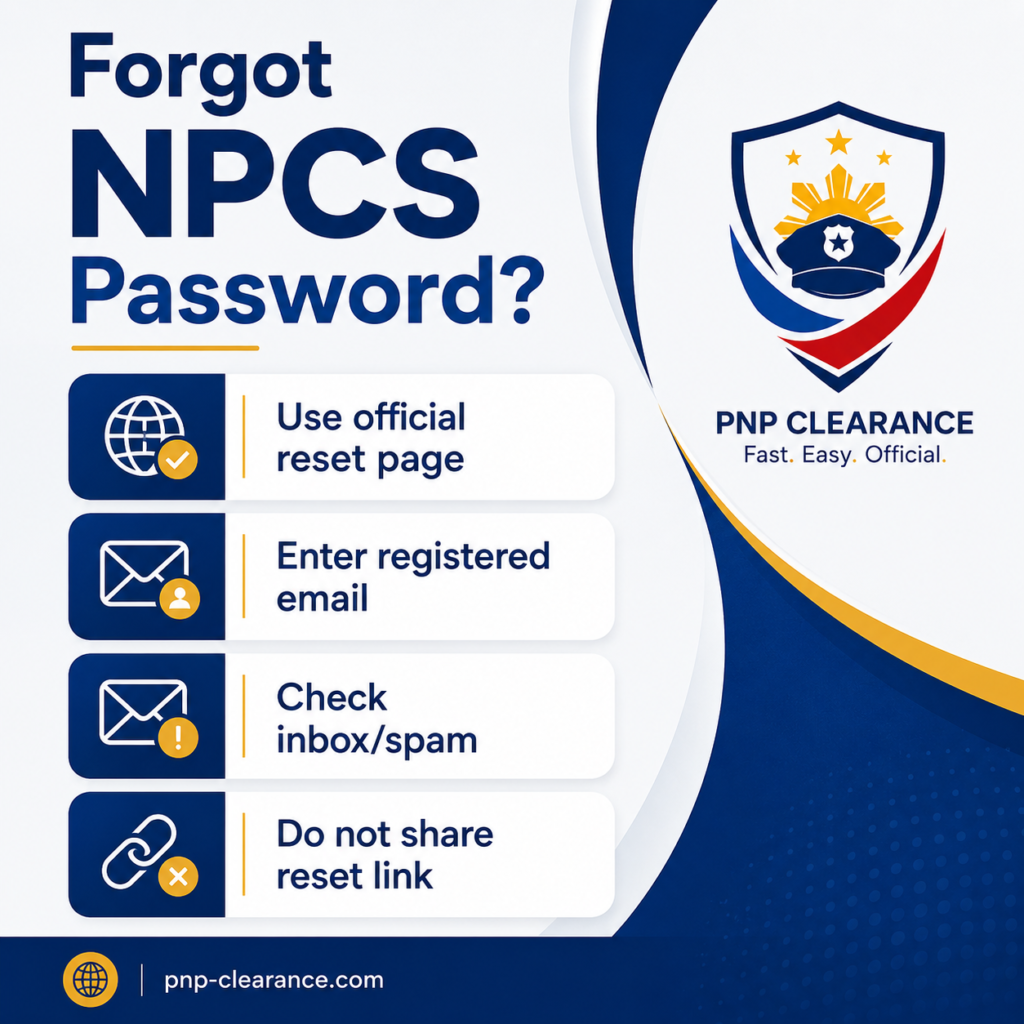
What If You Forgot Your NPCS Password?
If you already registered but forgot your password, use the official password reset option. The NPCS forgot password page states that the system can be used to request a password reset and notes that password reset requests are limited up to 3 times daily.
Basic Password Recovery Tips
- Use the email connected to your account
- Check inbox and spam folder
- Do not create multiple accounts immediately
- Do not share password reset links
- Follow the official reset instructions
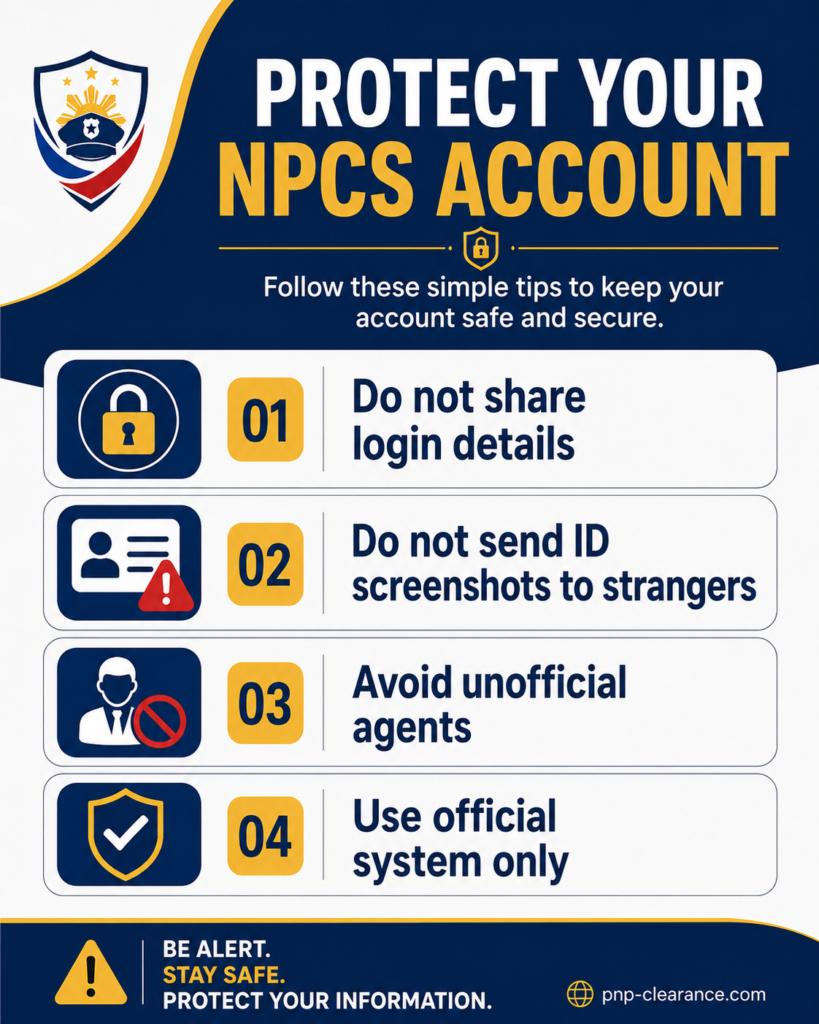
Account Safety Reminder
Your NPCS account may contain personal information. Protect it.
Do not share:
- Email login
- NPCS password
- ID details
- Reference numbers
- Screenshots with private data
- Payment information
FAQs About PNP Clearance Online Registration
Conclusion
Creating your PNP Clearance online registration account is the first important step before applying for National Police Clearance. If you are a first-time applicant, make sure you use the official NPCS portal, click Register, enter your correct legal name, use an active email and mobile number, create a secure password, and review all details before submitting.
The most important reminder is accuracy. Your name, birthday, suffix, email, and mobile number should be correct from the start. Small mistakes can become bigger problems later during appointment, payment, identity verification, or biometrics.
After registration, proceed to the next step by completing your profile and setting your appointment. For the full process, read our PNP Clearance Online Complete Guide. For scheduling details, continue with our PNP Clearance Appointment Online Guide.
2 Comments